
Email photo attachments
A detailed PNG photo can be a large attachment. Compare the JPG output size and inspect fine detail before sending.
Share PNG photos as widely supported JPG files. Adjust quality and optional resize before uploading.
Up to 20 images, max 28 MiB each
Press Enter or Space to choose image files from your device.You can use this converter without creating an account. Want to track your usage? Create a free TinyImage account.
JPG is useful when a photo must fit an upload limit or a destination requires JPEG.
A detailed PNG photo can be a large attachment. Compare the JPG output size and inspect fine detail before sending.
Convert to meet a file-format requirement, then check the destination’s separate size and dimension limits.
Use this table to choose the right output format before converting.
| Feature | PNG | JPG |
|---|---|---|
| File size | Usually larger, especially for detailed images | Usually smaller for photos and complex images |
| Transparency | Supports full alpha transparency | Does not support transparency |
| Compression type | Lossless compression | Lossy compression |
| Best use case | Logos, screenshots, UI graphics, images with transparency | Photos, social images, email attachments, and web publishing |
| Compatibility | Excellent support across browsers, editors, and design tools | Universal support across browsers, apps, and devices |
This 1,536 × 1,024 px bicycle photo went from 3,951,503 bytes as PNG to 305,409 bytes as JPG at quality 80, with resizing turned off: a 92% reduction for this example.
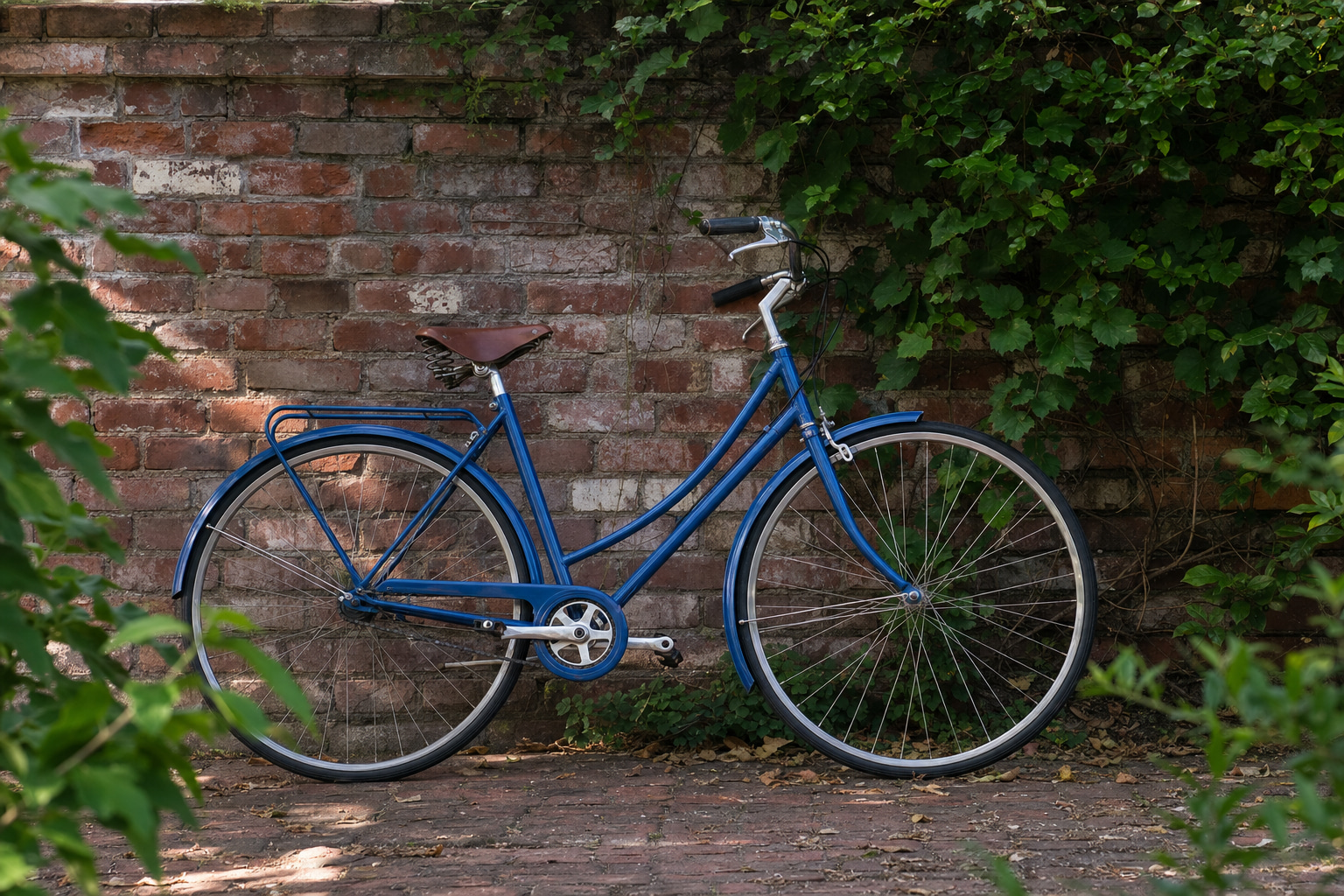
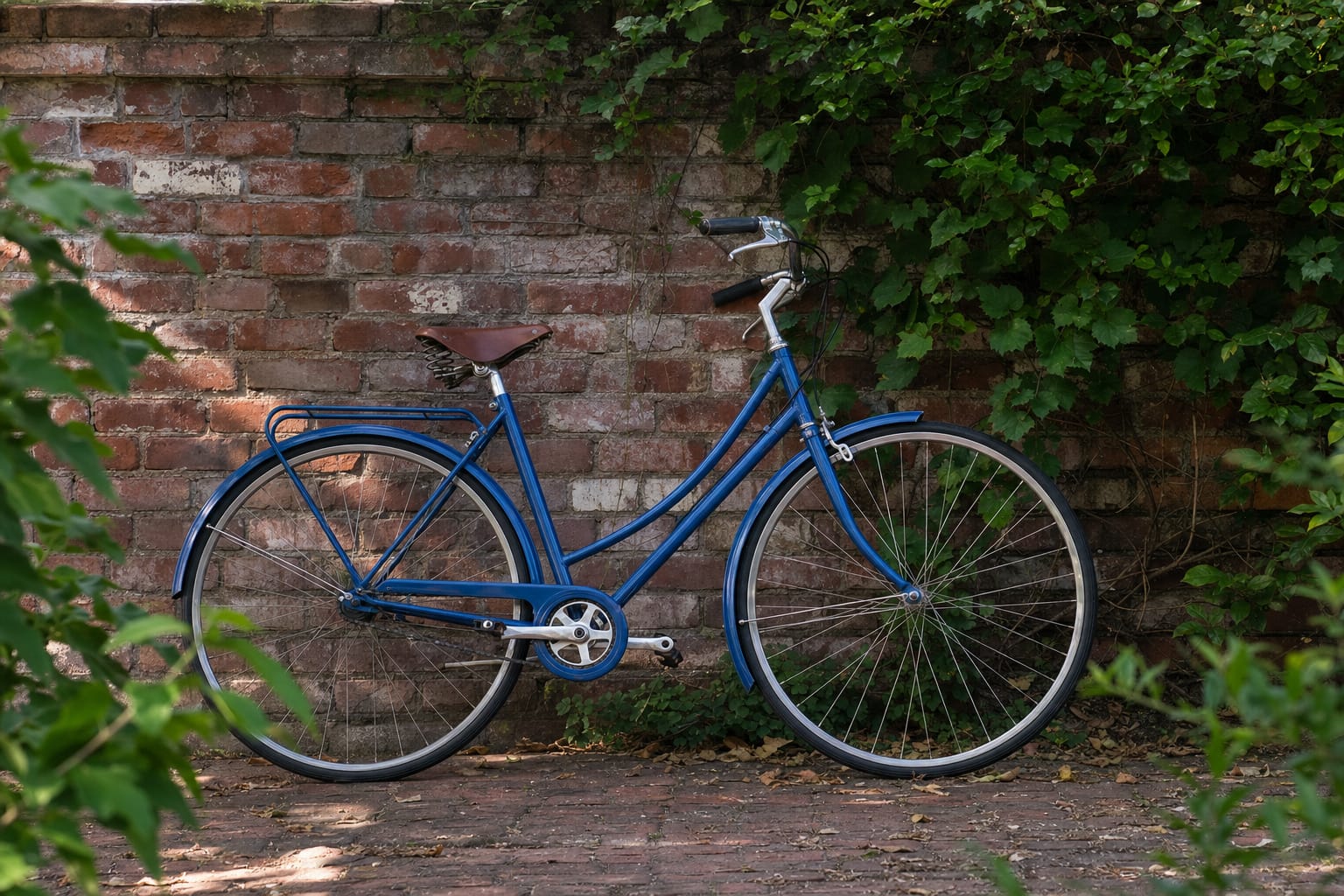
This is a prepared example, not a typical savings estimate. The source photo was originally JPG and was saved as PNG before this test. The 92% reduction applies only to that PNG file. Open either image to inspect the result; conversion cannot recover detail lost in the original JPG.
Compress PNG, JPEG, WebP and more to reduce image file size for websites and sharing.
Open toolResize images online to custom dimensions while preserving the aspect ratio.
Open toolCrop images precisely with custom dimensions or aspect ratios.
Open toolEnhance image quality, adjust brightness, contrast, and saturation.
Open toolChoose your settings and upload your images to get started.
Convert PNG to JPGAnswers about PNG to JPG conversion, image quality, and downloads.
JPG cannot store transparency. TinyImage flattens transparent areas against white; keep PNG or choose WebP when you need alpha transparency.
JPG and JPEG are filename extensions for the same image format. The JPG output is a JPEG image.
JPG uses lossy compression. Lower quality settings can make smaller files with more visible artifacts. Keep the PNG original when sharp text, transparency, or further editing matters.
No. Photos often benefit from JPG encoding, but simple graphics and small PNG files can already be smaller. Compare the actual outputs.
Yes. Upload up to 20 supported PNG images, adjust quality and optional smart resize before uploading, and download the JPG results individually or in a ZIP.
Server-processed results use private temporary storage. Signed download links expire after 24 hours; storage lifecycle cleanup follows.